A dedicated Project Zomboid server keeps your apocalypse running when the host logs off, lets the group play on their own schedules, and stops one player's PC from being everyone's lag source. This guide installs it with SteamCMD on a VPS in about 25 minutes — including the one Java setting that decides whether it runs smoothly or stutters.
Using an AI coding agent? There's a ready-made prompt at the end of this guide. Copy that instead of this article.
Two things most guides skip
The memory setting. Project Zomboid's server runs on Java, and Java only uses as much memory as its heap limit allows — a number set in a file called ProjectZomboid64.json. If it's too low for your group, you get rubber-banding and crashes even though the machine has RAM to spare. We'll set it deliberately.
The first start is interactive. The very first launch asks you to type an admin password at the console. A background service can't answer that prompt, so we run it once by hand, set the password, and only then hand it to systemd.
What you'll need
- A PrivateByte VPS. We recommend Orbit ($7.99/mo: 2 vCPU, 4 GB RAM, 50 GB SSD) for a small group. For 8+ players or a big mod list, Comet (8 GB).
- Project Zomboid on Steam for you and your friends.
- About 25 minutes.
Step 1: Deploy your VPS
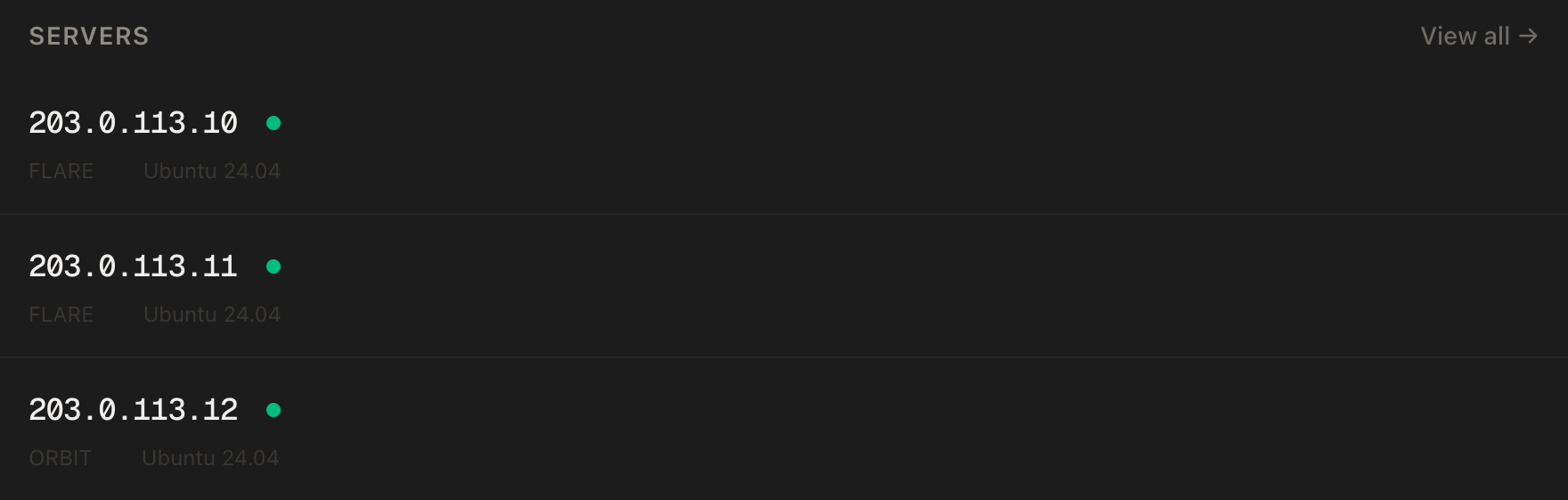
In the PrivateByte dashboard, open the store, choose Orbit, pick Ubuntu 24.04, and deploy. Ready in a few minutes. Pick the region closest to your players.
Step 2: Connect, firewall, SteamCMD
ssh root@YOUR_SERVER_IP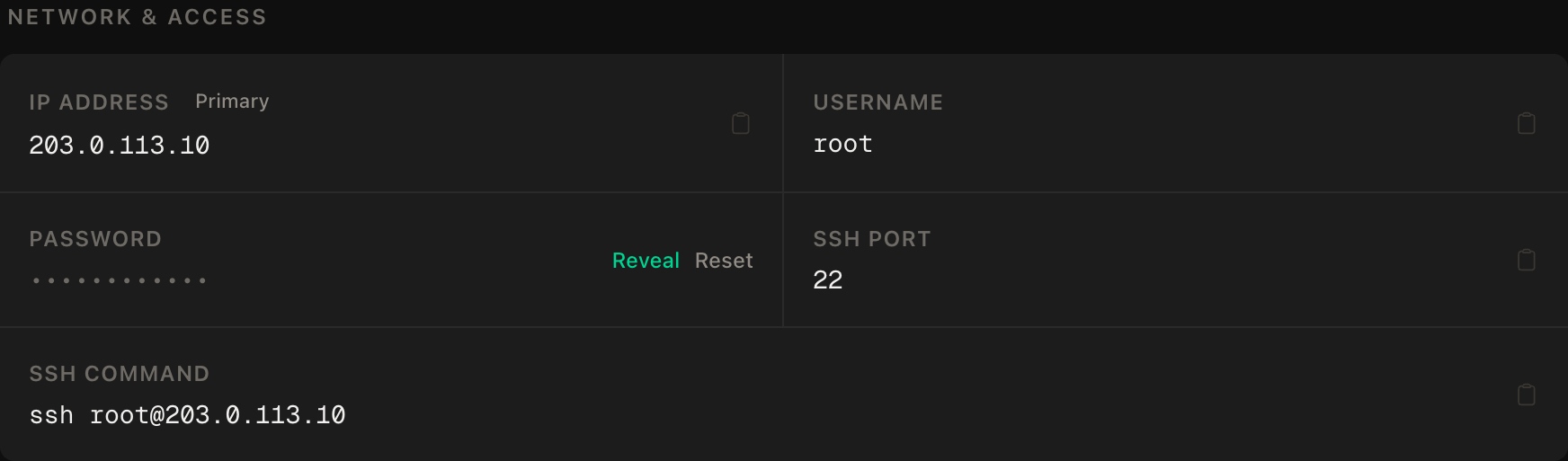
ssh command.SSH first, then the two game ports, then enable:
apt update && apt upgrade -y
ufw allow OpenSSH
ufw allow 16261/udp
ufw allow 16262/udp
ufw --force enable
Now SteamCMD, Valve's command-line installer. It's a 32-bit program, so Ubuntu needs the i386 architecture first:
add-apt-repository -y multiverse
dpkg --add-architecture i386
apt update
apt install -y steamcmd tmux
The install shows Steam's licence agreement — read it and accept it yourself. Then create the user the server will run as:
adduser --disabled-password --gecos "" zomboidStep 3: Install the server
As the zomboid user:
su - zomboid
/usr/games/steamcmd +force_install_dir /home/zomboid/pzserver +login anonymous +app_update 380870 validate +quit
380870 is Project Zomboid's dedicated server on Steam. It's a few GB; give it time.
Step 4: Set the Java memory limit
nano ~/pzserver/ProjectZomboid64.jsonIn the vmArgs list, find the entry that starts with -Xmx and set it:
"-Xmx3g",3g on Orbit leaves about 1 GB for the operating system, which it needs. On Comet, -Xmx6g. Don't set it to the whole machine's RAM — Java plus Linux will then fight over the last gigabyte and lose.
Step 5: First start — set the admin password
Start it by hand, inside tmux so it survives if your SSH drops:
tmux new -s zomboid
cd ~/pzserver && ./start-server.sh
It asks for an admin password — type one (twice), and save it in your password manager. Let it finish loading (it prints that the server has started), then type:
quitThat saves and stops cleanly. Type exit to leave tmux, and exit again to get back to root.
The first start also wrote your config to /home/zomboid/Zomboid/Server/servertest.ini. Two lines worth setting now:
Public=false
Password=CHANGE_ME_join_password
Public=false keeps you out of the public list; Password is what friends type to join — different from the admin password.
Step 6: Hand it to systemd — with a safe shutdown
As root:
nano /etc/systemd/system/zomboid.service[Unit]
Description=Project Zomboid server
After=network-online.target
[Service]
User=zomboid
Type=forking
WorkingDirectory=/home/zomboid/pzserver
ExecStart=/usr/bin/tmux new-session -d -s zomboid "/home/zomboid/pzserver/start-server.sh"
ExecStop=/usr/bin/tmux send-keys -t zomboid "quit" Enter
ExecStop=/bin/sleep 30
Restart=on-failure
[Install]
WantedBy=multi-user.targetsystemctl daemon-reload
systemctl enable --now zomboidOn shutdown, systemd types quit into the console and waits 30 seconds for the save. Without that, a reboot is a crash.
In Project Zomboid: Join, add your server's IP, port 16261, and the join password.
Verify it works
You can join. Connect and move something — drop an item on the floor somewhere you'll remember.
It saves on restart — the check that matters. systemctl restart zomboid, wait a minute, rejoin. The item must still be there.
The memory setting took. While playing: ps -o args= -u zomboid | grep -o -- '-Xmx[0-9a-z]*' should print -Xmx3g.
The negative control. From your own machine, the SSH-only rule means nothing TCP is open except 22:
nc -zv -w 5 YOUR_SERVER_IP 16261This TCP probe should fail — the game is UDP-only, and nothing TCP should answer there. nc -zv -w 5 YOUR_SERVER_IP 22 should succeed, proving the probe works.
It survives a reboot. reboot, wait two minutes, rejoin.
Troubleshooting
Rubber-banding and lag with few players. The heap is too small, or the edit didn't stick. Re-check -Xmx in ProjectZomboid64.json and the ps line above.
Server crashes with out-of-memory. The heap is too big for the machine, or too many mods. Lower -Xmx so the OS keeps ~1 GB, or move to Comet.
Friends can't connect. ufw status must list both 16261/udp and 16262/udp, and the client needs port 16261.
Service starts, then asks for a password and hangs. The first-start password step was skipped. systemctl stop zomboid, then do Step 5 by hand.
Progress lost after a reboot. The ExecStop lines didn't run or were too short. Check systemctl cat zomboid, and raise the sleep to 60 on a big map.
Mods. Add them via Mods= and WorkshopItems= in servertest.ini, then restart — the server downloads them. Each mod costs memory; watch the heap.
Do it with an AI agent
If you'd rather hand this to Claude Code, Cursor, or another coding agent, don't paste the article at it. Articles are written for humans, and agents skim the warnings and lose the ordering. Copy this instead, and run it from your own machine with your agent able to SSH out.
Prompt for an AI agent
Set up a Project Zomboid dedicated server on a fresh Ubuntu 24.04 VPS with
SteamCMD, running as an unprivileged user in tmux under systemd, with a
deliberate Java heap and a shutdown that saves.

FILL IN BEFORE YOU START:
- SERVER_IP = <VPS IP from the PrivateByte dashboard>
- HEAP      = <3g on a 4 GB server, 6g on 8 GB>
- The admin password and the join password are MINE. You never see them.

WHAT TO DO:
1. SSH to root@SERVER_IP. Confirm Ubuntu 24.04, run "free -m", tell me the RAM
   and whether HEAP leaves at least 1 GB for the OS.
2. apt update && apt upgrade -y.
3. Firewall, in THIS EXACT ORDER: ufw allow OpenSSH; ufw allow 16261/udp;
   ufw allow 16262/udp; ufw --force enable.
4. add-apt-repository -y multiverse; dpkg --add-architecture i386; apt update.
   Then STOP and tell me to run "apt install -y steamcmd tmux" myself, because
   it shows Steam's licence agreement and accepting it is mine to do. WAIT.
5. adduser --disabled-password --gecos "" zomboid (no sudo).
6. As zomboid: /usr/games/steamcmd +force_install_dir /home/zomboid/pzserver
   +login anonymous +app_update 380870 validate +quit
7. In ~/pzserver/ProjectZomboid64.json set the -Xmx entry to "-Xmx<HEAP>".
   Show me the vmArgs line after the edit.
8. STOP. Tell me to do the interactive first start myself: tmux new -s zomboid,
   ./start-server.sh, set the admin password, wait for startup, type quit.
   Then set Public=false and Password in ~/Zomboid/Server/servertest.ini.
   WAIT for my confirmation.
9. /etc/systemd/system/zomboid.service: User=zomboid, Type=forking,
   ExecStart=/usr/bin/tmux new-session -d -s zomboid
   "/home/zomboid/pzserver/start-server.sh",
   ExecStop=/usr/bin/tmux send-keys -t zomboid "quit" Enter,
   ExecStop=/bin/sleep 30, Restart=on-failure. daemon-reload, enable --now.

RULES:
- Never read, print or log servertest.ini's password lines or any password.
- The ufw ordering is not optional.
- Never run the server as root.
- Do not remove or shorten the ExecStop quit+sleep — it is what saves the map.
- Nothing destructive. If /home/zomboid/Zomboid exists, STOP and ask — that
  directory is the save.

VERIFY, AND SHOW ME THE OUTPUT OF EACH:
- "systemctl status zomboid" -> active
- "ps -o args= -u zomboid | grep -o -- '-Xmx[0-9a-z]*'" -> -Xmx<HEAP>
- I join and drop an item; "systemctl restart zomboid"; I rejoin and confirm
  the item survived.
- THE NEGATIVE CONTROL, from MY machine: "nc -zv -w 5 SERVER_IP 16261" (TCP)
  MUST fail and "nc -zv -w 5 SERVER_IP 22" MUST succeed.
- reboot, wait 120 s, "systemctl status zomboid" -> active

Do not tell me a step succeeded without showing the command output that proves
it. If a verification fails, stop and report the actual error. Do not retry
silently and do not improvise a workaround.
Two things in that prompt are worth stealing for your own agent work. Both interactive moments — accepting Steam's licence and setting the admin password — are handed back to you, because an agent that "helpfully" answers those prompts is making decisions and holding secrets that are yours. And the heap check reads the running process's arguments, not the config file, because a setting that's in the file but not in effect is exactly the bug you're guarding against.
The same console-in-tmux pattern powers our Terraria guide, and Valheim is the Docker version of a survival server.
Deploy your VPS
A Zomboid world that keeps its state when everyone logs off, doesn't stutter because of a default Java setting, and saves itself every time it stops.
The Orbit plan is the right start for a small group; Comet when the mod list grows.
- Unmetered bandwidth, no overage
- Free DDoS protection
- Daily automated backups
- Browser console access
Common questions
How much RAM does a Project Zomboid server need? For a small group on vanilla, 4 GB with a 3 GB Java heap works well. More players, a bigger map area explored, and every mod push that up — 8 GB (Comet) with a 6 GB heap is the comfortable step.
What's the difference between the admin password and the server password?
The admin password (set at first start) is for admin commands. The server password in servertest.ini is what friends type to join. Keep them different.
How do I update the server after a game patch?
systemctl stop zomboid, re-run the SteamCMD line from Step 3 as the zomboid user, then systemctl start zomboid. Client and server versions must match.
Can I run admin commands?
Attach to the console with su - zomboid -c "tmux attach -t zomboid", run commands, and detach with Ctrl+B then D. Ctrl+C stops the server.
How do I back up the save?
Everything lives in /home/zomboid/Zomboid. PrivateByte's daily server backups include it; for your own copy, stop the server and tar that folder.