Self-hosted Plausible gives you the analytics you actually look at — visitors, top pages, referrers, countries — without cookies, without a consent banner, and without sending your visitors' behaviour to an ad company. This guide installs Plausible Community Edition on a VPS in about 20 minutes, using its built-in HTTPS.
Using an AI coding agent? There's a ready-made prompt at the end of this guide. Copy that instead of this article.
Before you start: two requirements people miss
The CPU flag. Plausible stores events in ClickHouse, which needs a processor with SSE 4.2 (or NEON on ARM). Almost every modern server has it, but check before anything else — on the server, grep -c sse4_2 /proc/cpuinfo must print a number above 0.
The RAM. The project recommends at least 2 GB for ClickHouse and Plausible. On a 2 GB box that's everything, with nothing left for the OS, so this guide recommends Orbit (4 GB).
And one thing we'd normally add but won't: a reverse proxy. Plausible CE gets its own certificates when you tell it which ports to use, so putting Caddy in front would just be two things fighting over port 443.
What you'll need
- A PrivateByte VPS. We recommend Orbit ($7.99/mo: 2 vCPU, 4 GB RAM, 50 GB SSD).
- A domain name you control the DNS for.
- A website you want to measure.
- About 20 minutes.
Step 1: Deploy your VPS
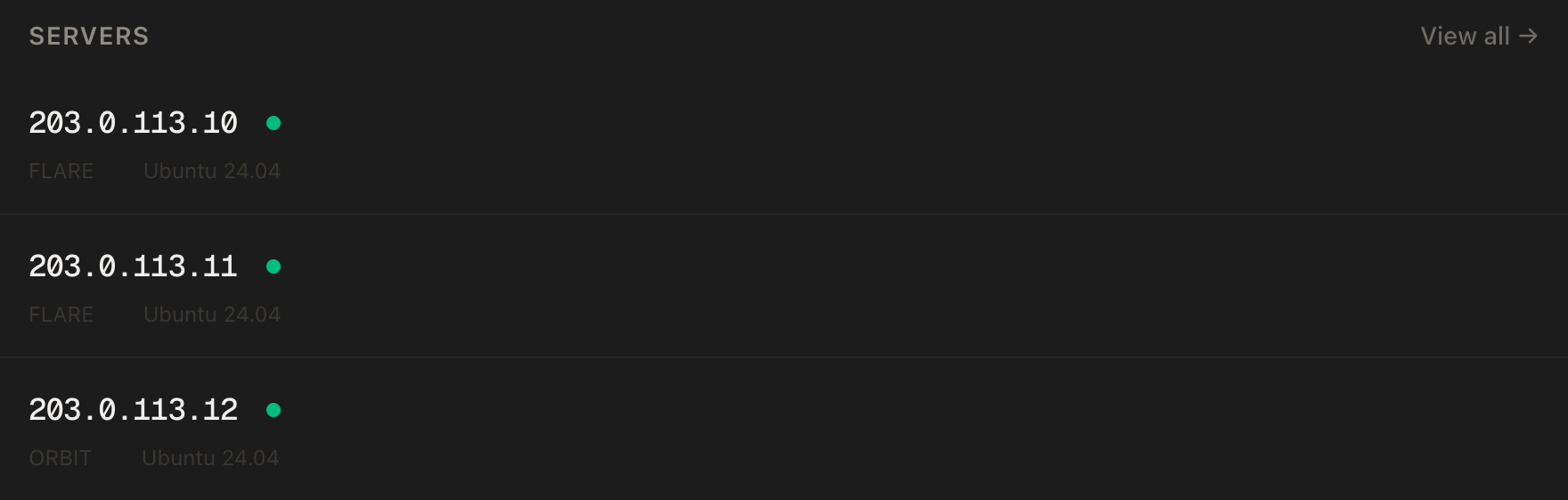
In the PrivateByte dashboard, open the store, choose Orbit, pick Ubuntu 24.04, and deploy. Ready in a few minutes.
Step 2: Point your domain at the server
| Type | Name | Value |
|---|---|---|
| A | stats |
your server's IP |
dig +short stats.yourdomain.comThat must print your server's IP. Plausible requests its certificate on first start, and that fails without it.
Step 3: Connect, check the CPU, firewall, Docker
ssh root@YOUR_SERVER_IP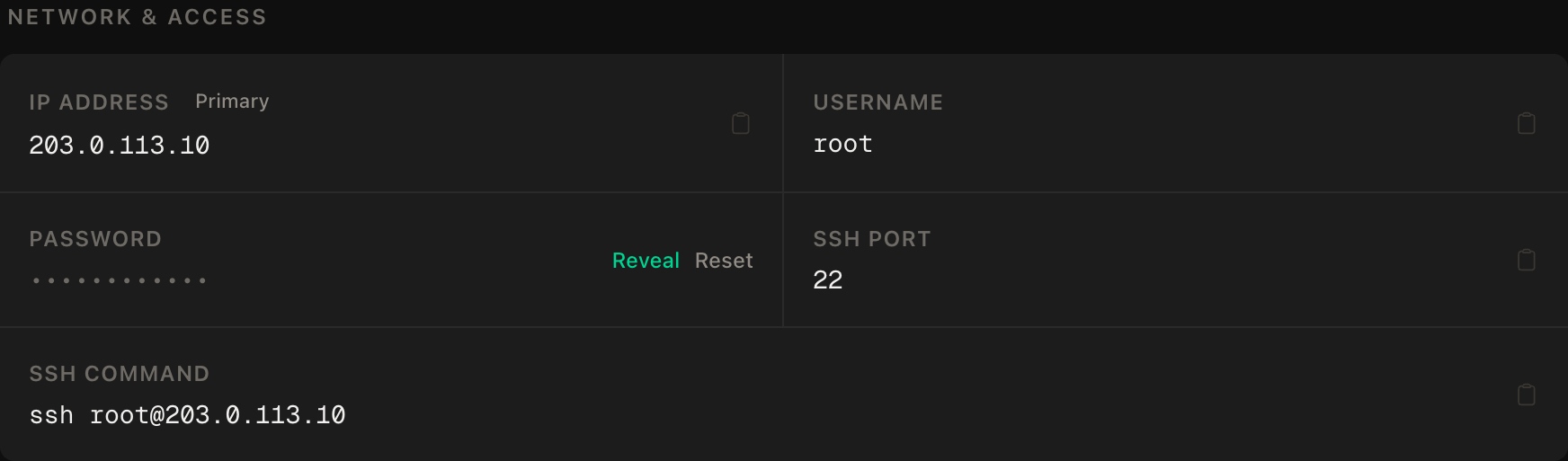
ssh command.grep -c sse4_2 /proc/cpuinfoAny number above 0 and you're good. Then SSH first, web ports, enable, and Docker:
apt update && apt upgrade -y
ufw allow OpenSSH
ufw allow 80/tcp
ufw allow 443/tcp
ufw --force enable
curl -fsSL https://get.docker.com | sh
systemctl enable --now docker
Step 4: Get Plausible Community Edition
git clone -b v3.2.1 --single-branch https://github.com/plausible/community-edition plausible-ce
cd plausible-ce
Pinning the version tag means an upgrade is something you choose to do, not something that happens under you.
Step 5: Configure it
touch .env
echo "BASE_URL=https://stats.yourdomain.com" >> .env
echo "SECRET_KEY_BASE=$(openssl rand -base64 48)" >> .env
echo "HTTP_PORT=80" >> .env
echo "HTTPS_PORT=443" >> .env
chmod 600 .env
BASE_URL is where the dashboard lives. SECRET_KEY_BASE signs sessions — generated here, never typed by hand. The two port lines turn on Plausible's built-in HTTPS.
Step 6: Start it, and create your account
docker compose up -d
docker compose ps
Three services come up: the app, PostgreSQL for accounts, and ClickHouse for events. Give it a minute, then open https://stats.yourdomain.com and create your account.
Now close the door behind you. Registration is open until you shut it. Add to .env:
echo "DISABLE_REGISTRATION=invite_only" >> .env
docker compose up -d
invite_only means only people you invite from inside the dashboard can join. (Check the Community Edition wiki for the values your version supports — the option has been stable, but it's the one line worth confirming.)
Step 7: Add your site
In the dashboard, Add website, enter your site's domain, and Plausible shows you a short <script> snippet. Copy the snippet it shows you — don't use one from an old tutorial, the shape has changed between versions — and paste it into your site's <head>.
Visit your site in another browser. Within seconds you'll see yourself in the real-time view.
Verify it works
It counts a visit. Open your site, watch the "current visitors" number tick up.
No cookies. In your browser's dev tools on your site, check the Application → Cookies panel: Plausible sets none. That's why no consent banner is needed for it.
Registration is closed — the negative control. In a private window, go to https://stats.yourdomain.com/register. You must not be able to create an account. If you can, the DISABLE_REGISTRATION line didn't take — check .env and restart.
The databases aren't exposed. From your own machine:
nc -zv -w 5 YOUR_SERVER_IP 8123This must fail — that's ClickHouse's HTTP port, and only the Plausible app should talk to it.
It survives a reboot. reboot, wait two minutes, reload the dashboard.
Troubleshooting
ClickHouse keeps restarting. Usually memory or the CPU flag. docker compose logs plausible_events_db | tail -30; if it mentions SSE 4.2, the CPU is the problem, and if it's killed, it's RAM.
Certificate errors on first start. DNS wasn't pointing at the server yet, or 80/443 aren't open. Fix it and docker compose restart plausible.
No visits recorded. The snippet isn't on the page, or an ad blocker is blocking it on your browser. Test from a browser with no blockers; check the page source for the script tag.
Dashboard shows the wrong timezone. It's per site: Site settings → General.
Upgrading. Read the release notes for the next tag, then git fetch --tags && git checkout <new-tag> && docker compose pull && docker compose up -d. Major versions sometimes need a migration step — the notes will say.
Do it with an AI agent
If you'd rather hand this to Claude Code, Cursor, or another coding agent, don't paste the article at it. Articles are written for humans, and agents skim the warnings and lose the ordering. Copy this instead, and run it from your own machine with your agent able to SSH out.
Prompt for an AI agent
Set up Plausible Analytics Community Edition (v3.2.1) on a fresh Ubuntu 24.04
VPS with Docker, using its built-in HTTPS (no reverse proxy), and close
registration after I create my account.

FILL IN BEFORE YOU START:
- SERVER_IP = <VPS IP from the PrivateByte dashboard>
- DOMAIN    = <e.g. stats.example.com>
- The account email and password are MINE.

WHAT TO DO:
1. FIRST, "dig +short DOMAIN" must return SERVER_IP. If not, STOP.
2. SSH to root@SERVER_IP. Confirm Ubuntu 24.04. Run
   "grep -c sse4_2 /proc/cpuinfo" — if 0, STOP (ClickHouse cannot run).
   Report "free -m"; warn me if under 4 GB.
3. apt update && apt upgrade -y. Firewall in THIS ORDER: ufw allow OpenSSH;
   ufw allow 80/tcp; ufw allow 443/tcp; ufw --force enable.
4. Install Docker from https://get.docker.com.
5. git clone -b v3.2.1 --single-branch
   https://github.com/plausible/community-edition plausible-ce; cd plausible-ce
6. Create .env with BASE_URL=https://DOMAIN,
   SECRET_KEY_BASE=$(openssl rand -base64 48), HTTP_PORT=80, HTTPS_PORT=443.
   chmod 600 .env.
7. docker compose up -d. Tell me to open https://DOMAIN and create my account.
   WAIT for confirmation.
8. Append DISABLE_REGISTRATION=invite_only to .env; docker compose up -d.

RULES:
- Do NOT add Caddy, nginx or any reverse proxy — Plausible CE handles TLS.
- Never print or cat .env (it holds SECRET_KEY_BASE).
- Never create the account yourself.
- The ufw ordering is not optional. Do not open ClickHouse or Postgres ports.
- Nothing destructive. If ~/plausible-ce exists, STOP and ask.

VERIFY, AND SHOW ME THE OUTPUT OF EACH:
- "docker compose ps" -> plausible, plausible_db, plausible_events_db running
- "curl -sI https://DOMAIN" -> valid TLS, 200 or redirect
- THE NEGATIVE CONTROL: I open https://DOMAIN/register in a private window
  and confirm I CANNOT sign up. Also, from MY machine,
  "nc -zv -w 5 SERVER_IP 8123" MUST fail.
- reboot, wait 120 s, "docker compose ps" -> all back

Do not tell me a step succeeded without showing the command output that proves
it. If a verification fails, stop and report the actual error. Do not retry
silently and do not improvise a workaround — in particular never add a proxy
to "fix" a certificate problem.
Two things in that prompt are worth stealing for your own agent work. The hardware check comes first and is a hard stop, because ClickHouse on a CPU without SSE 4.2 fails in ways that look like a dozen other problems. And it forbids the reflex fix by name — every other self-hosting tutorial the agent has read puts a proxy in front, and here that "fix" is the bug.
Plausible pairs naturally with Uptime Kuma — one tells you who visited, the other tells you when nobody could. If you're building the site you're measuring, our guide to deploying a Node app with HTTPS gets it online.
Deploy your VPS
Analytics that respect your visitors, keep the data on a server you own, and never need a cookie banner — for the price of a coffee a month.
The Orbit plan gives ClickHouse the RAM it asks for.
- Unmetered bandwidth, no overage
- Free DDoS protection
- Daily automated backups
- Browser console access
Common questions
Is self-hosted Plausible free? The Community Edition is free and open source. You pay for the server. (Plausible also sells a hosted version, which funds the project.)
Do I still need a cookie banner? Plausible sets no cookies and collects no personal data, which is why most sites using it don't show one for analytics. Your legal obligations depend on your jurisdiction and everything else on your site — this isn't legal advice.
How many visitors can one server handle? A 4 GB server comfortably handles a busy personal or small-business site. ClickHouse is built for large event volumes; RAM and disk are what to watch as you grow.
Can I import my Google Analytics history? Plausible supports importing from Google Analytics in the site settings. Imported and native data sit side by side.
Can I track several sites? Yes — add each one in the dashboard. One install handles as many sites as you like.